
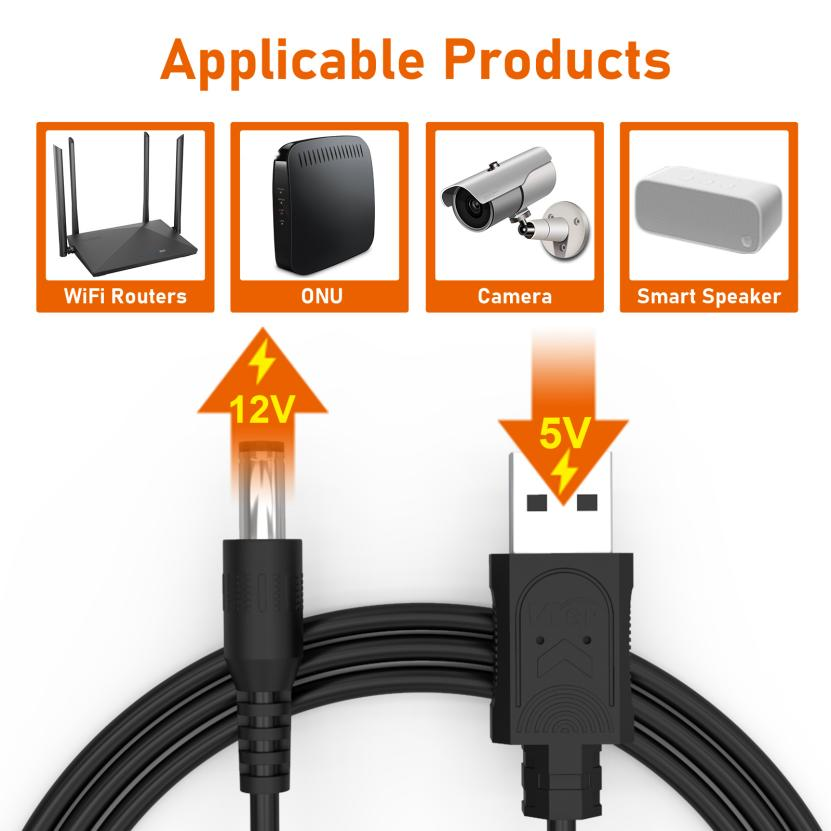
Tsis ntev los no,Richroctau hloov kho dua tshiab cov ntim khoom thiab cov txheej txheem ntawm5V thiab 9V booster cableTxij li thaum nws tso tawm, nws tau txais kev qhuas los ntawm cov neeg siv khoom nrog nws qhov zoo tshaj plaws thiab tus nqi qis tshaj plaws,thiab tau txais cov kev txiav txim txawv teb chaws tas li txhua hnub. Peb muaj5V rau 12V kauj ruam cable, 9V rau 12V kauj ruam nce cable, uas tuaj yeem siv rau hauv WiFi router, Modem, IP / CCTV lub koob yees duab, ONU, CPE thiab lwm yam. Piv txwv li,
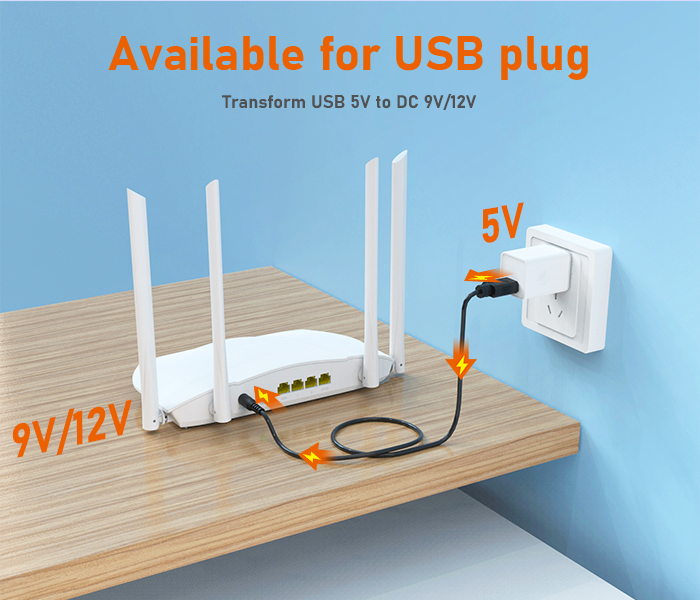
thaum lub hwj chim tseem ceeb raug txiav tawm, koj tuaj yeem txuas qhov kawg ntawm USB ntawm lub xov tooj txhawb nqa rau lub txhab nyiaj fais fab hauv koj txhais tes, thiab qhov kawg DC nkag mus rau koj lub router, thiabcable txhawb nqayuav cia li ua tiav 5V txog 9V / 12V boost rau koj,
yog li ntawd koj tuaj yeem ua tiav qhov hluav taws xob tas mus li.
Yog li ntawd, cov cable booster tuaj yeem coj cov txiaj ntsig dab tsi rau peb lub neej?
1. Hauv qee lub tebchaws uas tsis tau tsim kho, thaum tsis muaj UPS hauv koj lub tsev, koj tuaj yeem siv koj lub txhab nyiaj fais fab nrog cov hlua txuas mus rau cov khoom siv network thiab yooj yim rau thaum muaj xwm txheej ceev.
2. Nrog pebWGP103 min iups, lub cable booster txuas nrog pebWGP103 USBqhov chaw nres nkoj, tuaj yeem tso zis DC9V / 12V, yooj yim ua tiav lub tshuab ntau lub hom phiaj, txhim kho kev siv khoom, nce kev paub ntawm tus neeg siv.
Xav paub ntxiv txog WGP boost line magic, tos ntsoov koj cov lus taw qhia.
Lub sijhawm tshaj tawm: Lub Ib Hlis-22-2024


